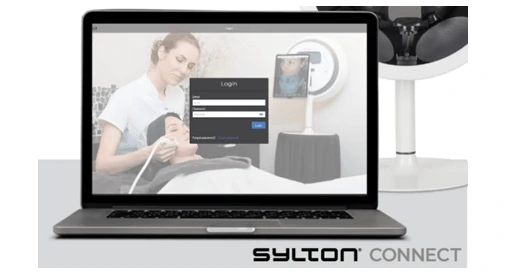
How to create an OBSERV/Sylton connect account
Once you have download the OBSERV app you will need to create login credentials
1. Type in your email and create your password, fill in all necessary details related to your account.2. You can now go to the website www.connect.sylton.com and enter the same login details of the email and the password, to create your Sylton connect account.
Note: It is easier to edit on this platform than your iPad.